Proximity chat accessibility
Not a major change but I personally think it would be useful to add a speaker icon next to people’s health bar above their heads to indicate who is talking. It can be very confusing when you don’t know which person is talking. This icon can also be added next to your squad member’s usernames too. When a person is talking you can maybe make the icon appear and not show up when they aren’t speaking. If prox chat is disabled then the icon cannot appear. (I do understand that this may be something for a modder and not linked to kyber itself except for the prox chat system)
Another thing linked to this could with you to go to the menu below (imagine a whole bunch of other people but also being able to do this when not the host)
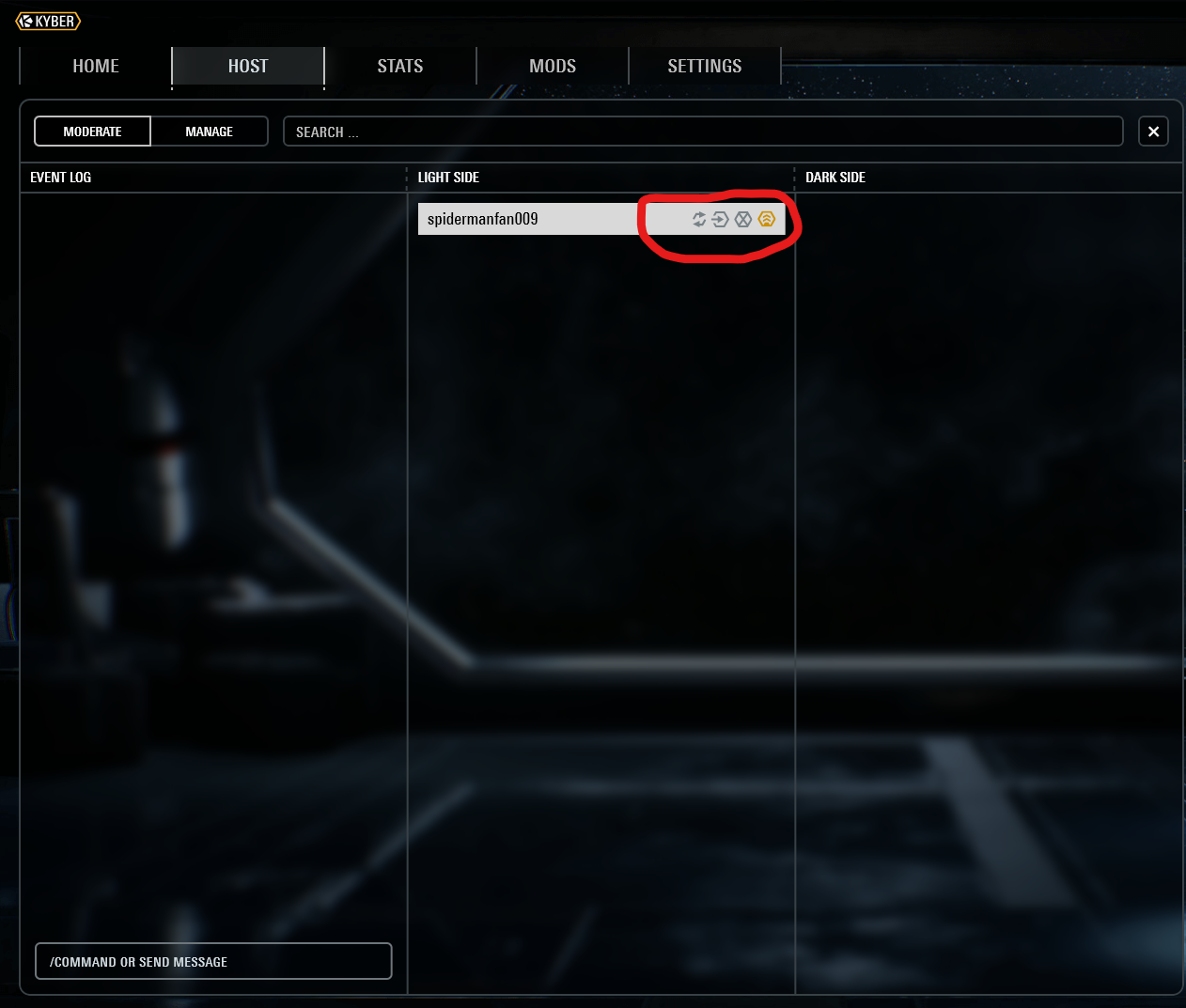
and being able to click on a speaker icon that is next to every player and that can allow you to mute their proximity chat as-well so then you can speak to some people without being disturbed by another person (This is something that actually happened to me when someone’s background was louder than my friends and the game and I couldn’t mute them.)
The stock image below is what I meant by “speaker icon” in case it caused any potential confusion haha.

Thank you very much for reading :D
Log in to comment and vote
Comments2
AdamRaichu
Oct 18, 2025
@jedi didn’t you work on this at some point?
jedi
Oct 22, 2025
not in the server management menu obv but i made a concept for voip icons in the nametag as a mod