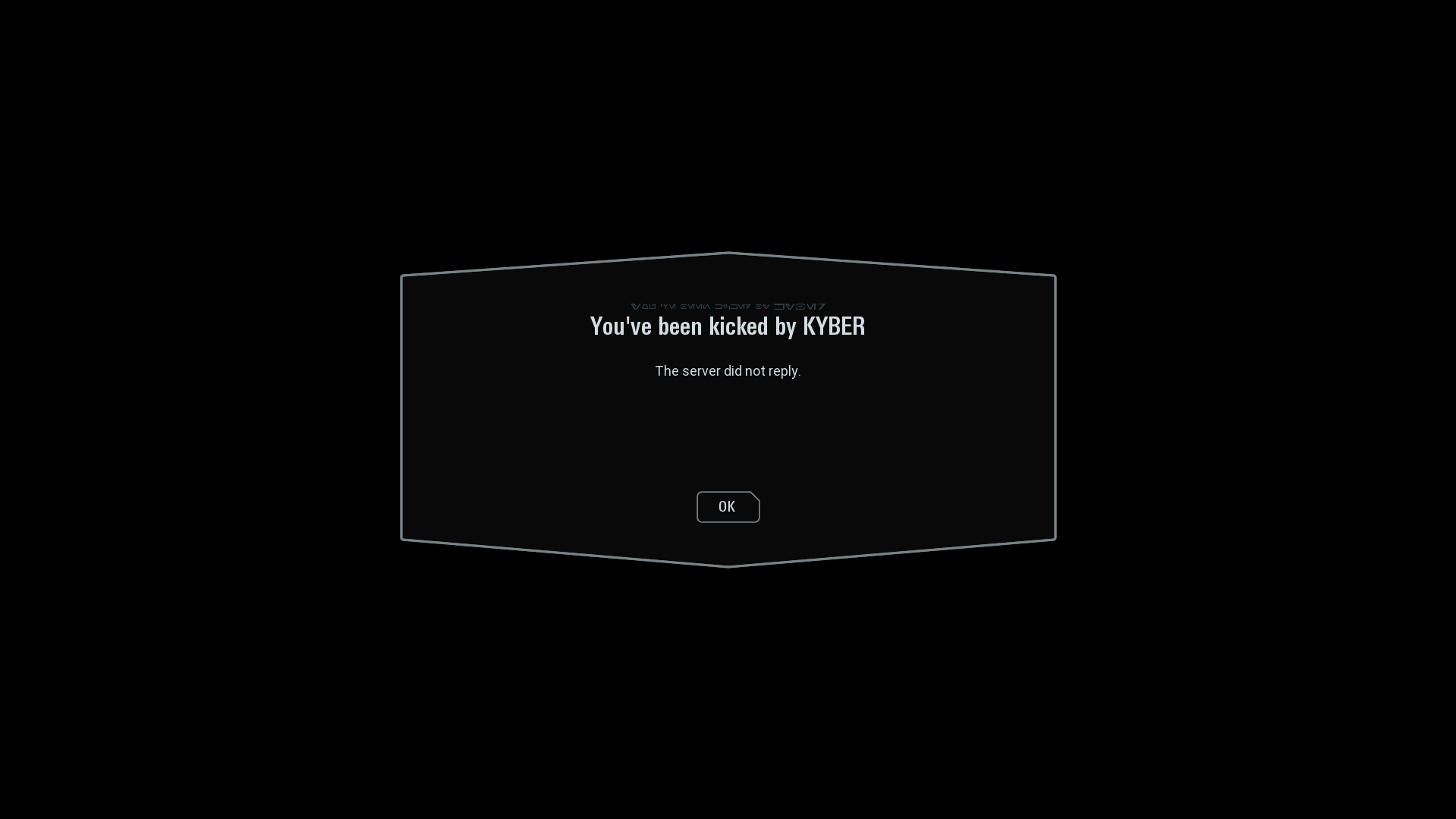
I have a problem with the Kyber Launcher. I'm trying to join an official server. I already downloaded all the required mods, but when I enter the game, it says: "You've been kicked by KYBER" "The server did not reply." Could you please help me fix this issue?
Log in to comment and vote
Comments2
Hotbrick 7053
Jun 10
Try the first two options then if it still doesn’t work, try the last two
FYI: These are potential fixes, sometimes they don't always work...
Add exclusion to Anti-Virus Add the following paths as folder exclusions:
C:\Program Files (x86)\KYBER LauncherC:\Users\%USERNAME%\AppData\Roaming\ArmchairDevelopers(replace %Username% with your pc username)
To do so, go here in your Windows settings: Settings -> Update & Security -> Windows Security -> Virus & Threat Protection -> Manage Settings -> Add or Remove Exclusions. If you have another anti-virus, add the same exceptions.
Disable IPV6 Follow the guide on how to do this - Go to website
Try these if the first two don’t work First thing to try is force updating the launcher.
go to
Settings -> Accounts and Updates -> Force Update. This will reinstall the latest version of the launcher.Final thing to try is running Kyber as administrator. (This is only if everything else fails)
Right click the exe file and run as administrator or search for Kyber in the start menu (window key) and there will be a drop down when you select it to run as administrator.
Hotbrick 7053
May 15
Go to the discord and in Kyber-help channel, search for “Common fix - Kicked by Kyber”. Follow those steps, and if still happens, make a post and someone will help you.